Layouts
This chapter explains the basic grid and rules used to build Aithyra items. These guidelines can be used to design new communication items.
Margins
Designing a layout starts with defining the page margin. The page margin is used for placing the logo, style elements and typography elements. The page margin is 5% of the short side of the page.
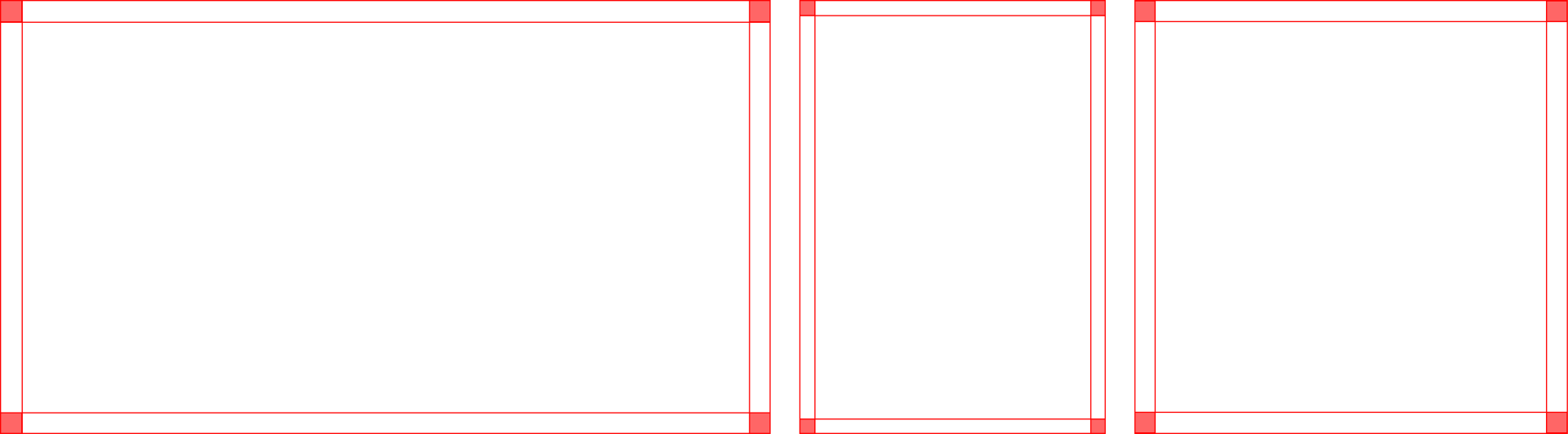
For a 16:9 format:
The short side is 1080 pixels.
1080 pixels *0.05 is 54 pixels.
The page margin is 54 pixels.
For a DIN A4 format:
The short side is 210 mm.
210 mm * 0.05 is 10.5 mm.
The page margin is 10.5 mm.
Grid
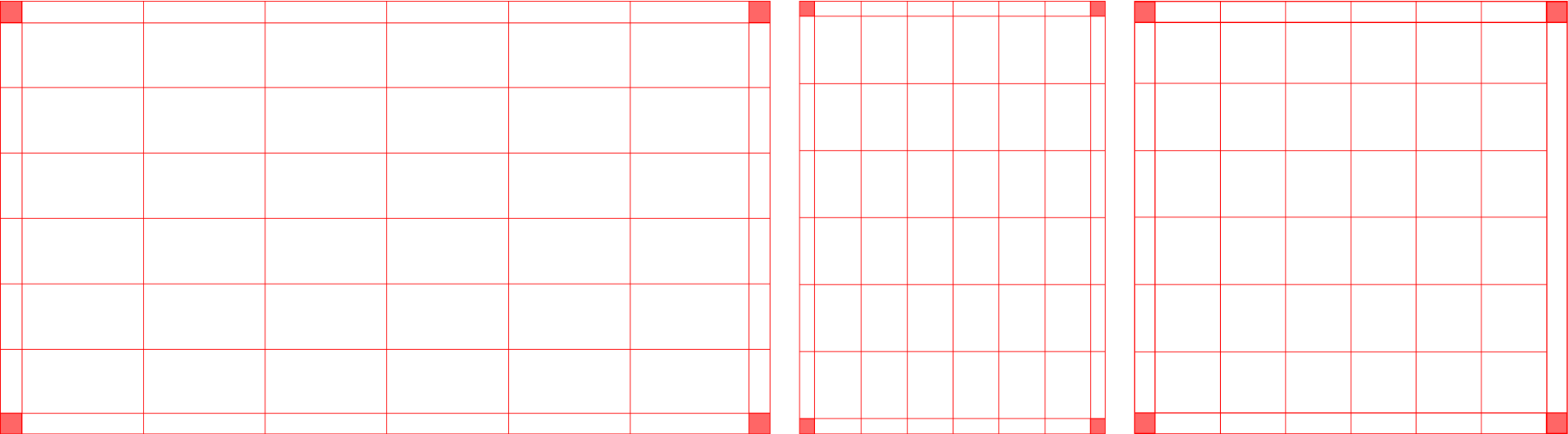
Structure the layout using a grid divided into six equal columns, applied both horizontally and vertically. This grid ensures consistent alignment and proportionality across all designs.
Logo sizing
Portrait format
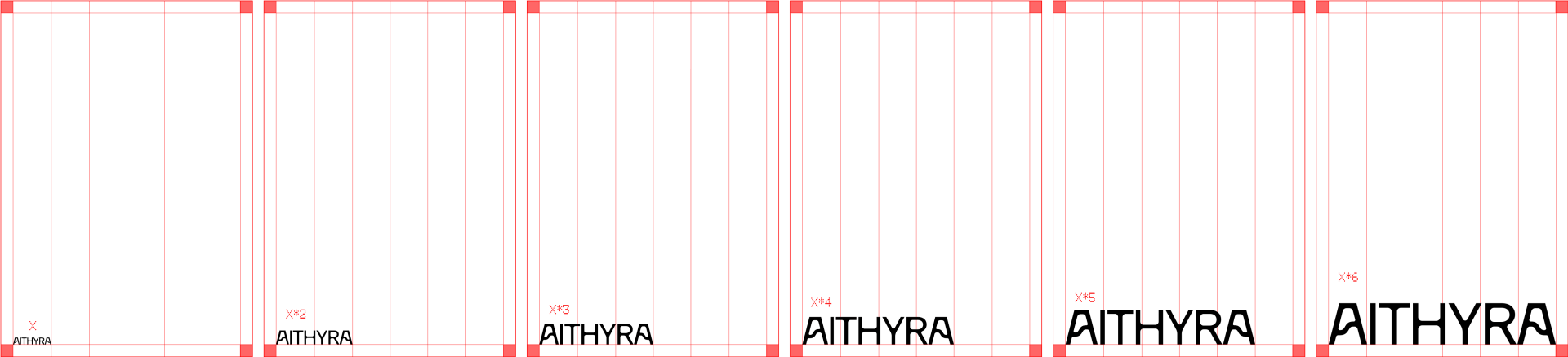
The logo size varies depending on the needs. The size of the logo must be contained between the vertical grid column. The logo size should be at least 1 column wide and go up to a maximum of 6 columns wide.
Landscape format
For landscape format, the logo size must also be contained between the vertical grid columns. In a landscape format, it can very from 1/2 a column to max. 2 columns wide.

Logo placement
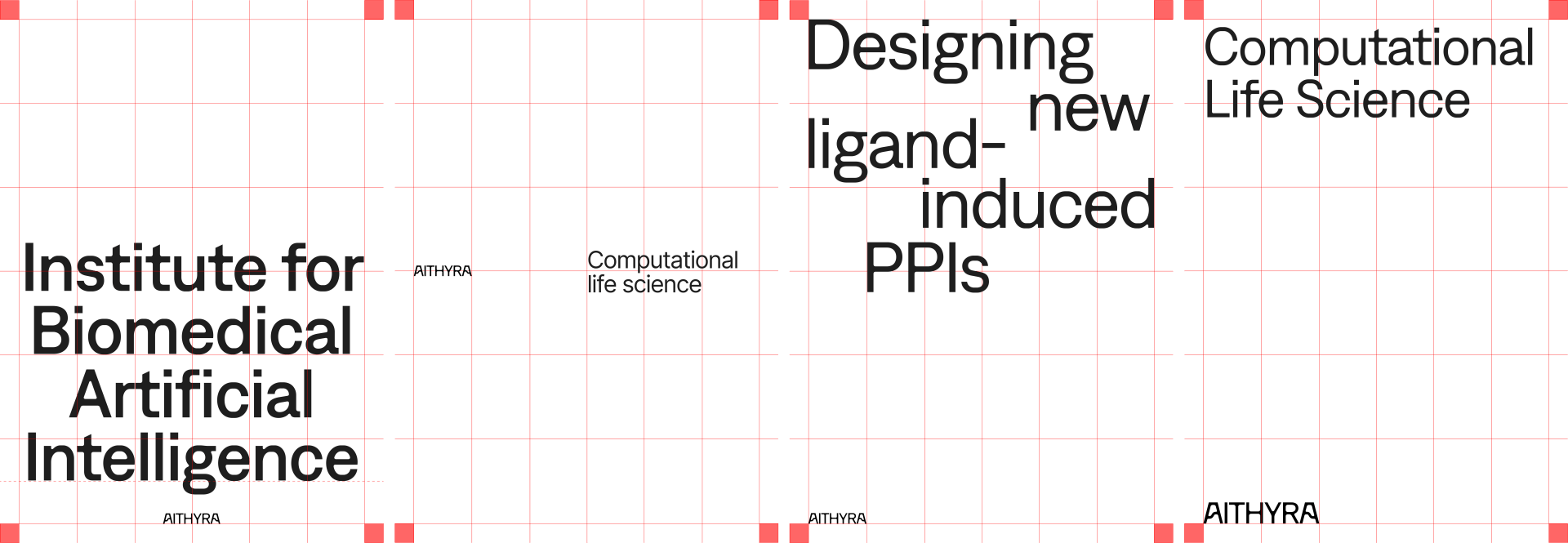
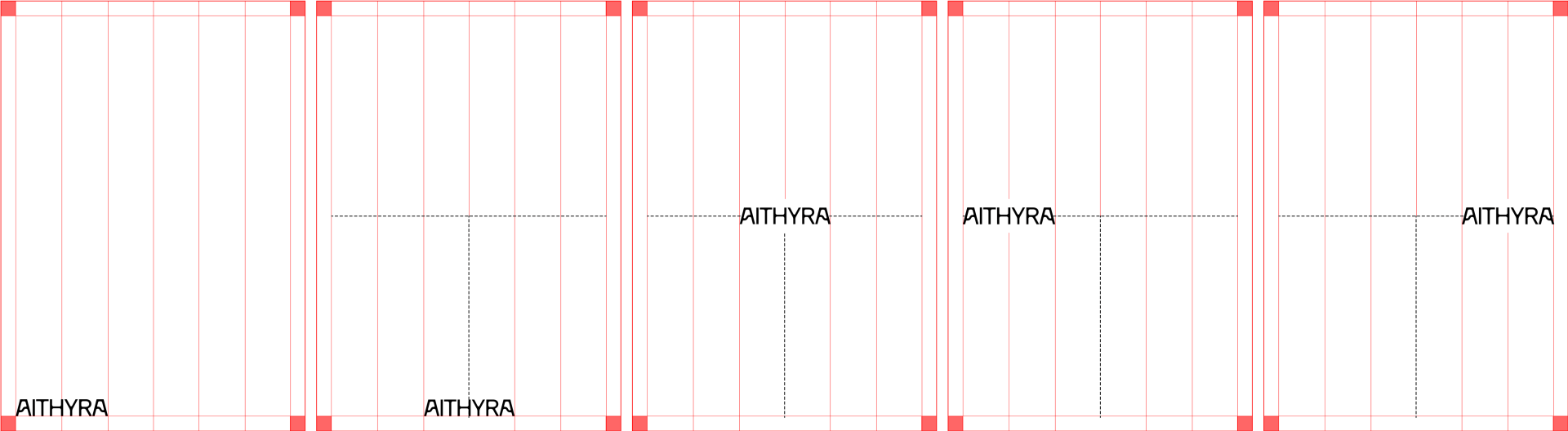
The main position of the Aithyra logo is the bottom left, aligned with the grid. The logo can also be placed in other ways, following the examples below:
- Bottom center-aligned
- Middle center-aligned
- Middle left-aligned
- Middle right-aligned
Title placement
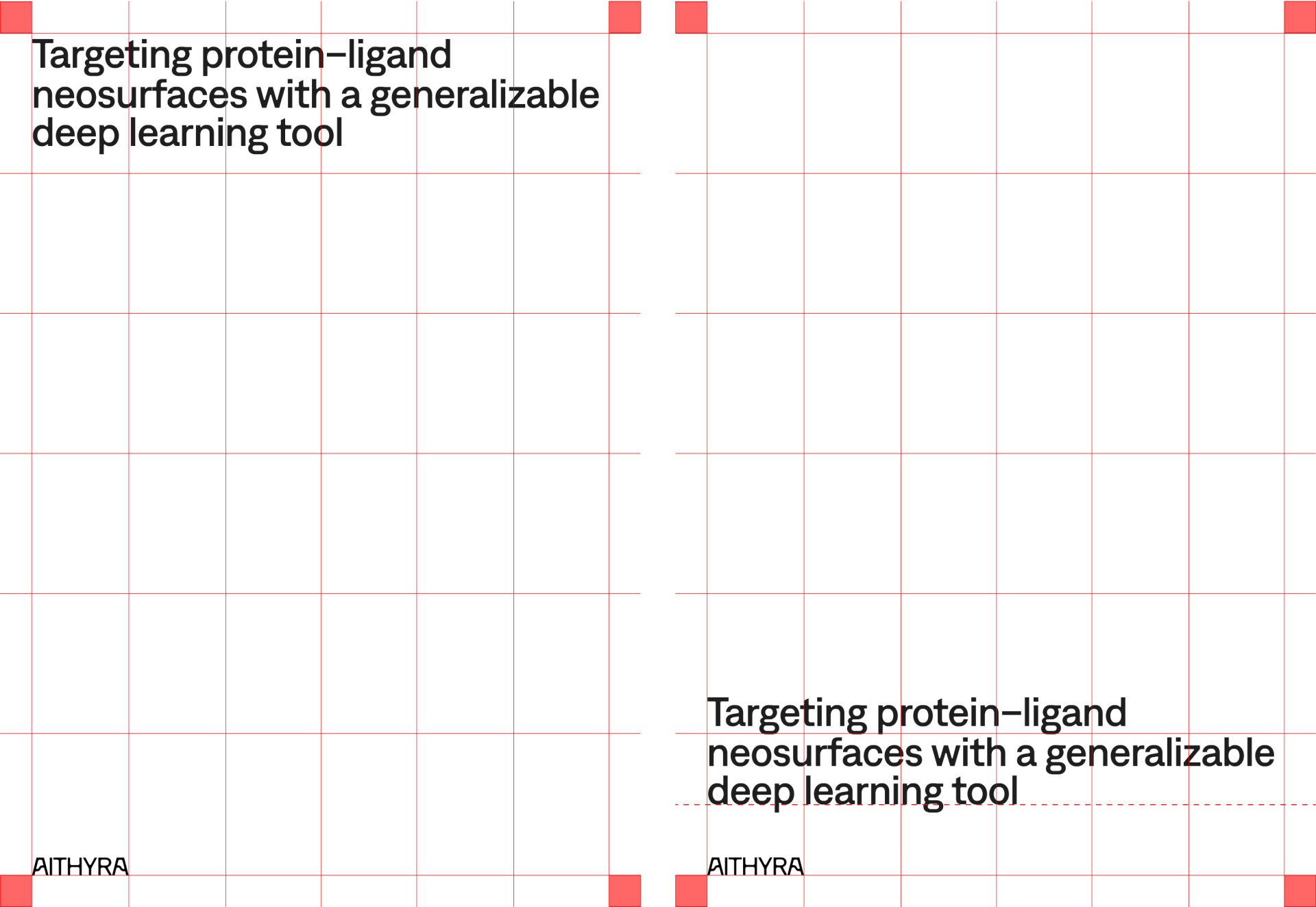
We defined two main options for title placement: top aligned and bottom aligned. When using the second option, the title should have a distance from the logo that equals at least 1/2 the height of a horizontal row.
Layouts examples